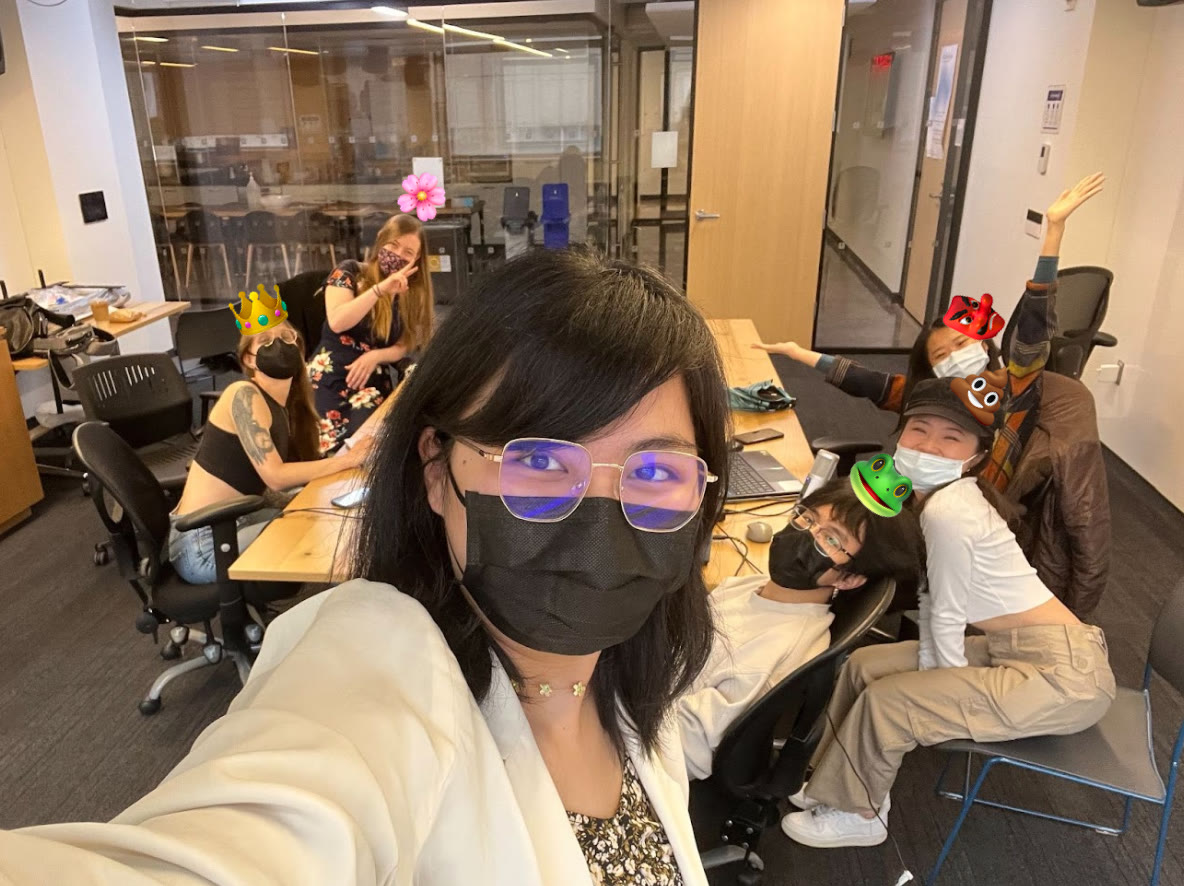
Gizmu Case Study
Gizmu
OVERVIEW
Turning Everyday Objects into Instruments
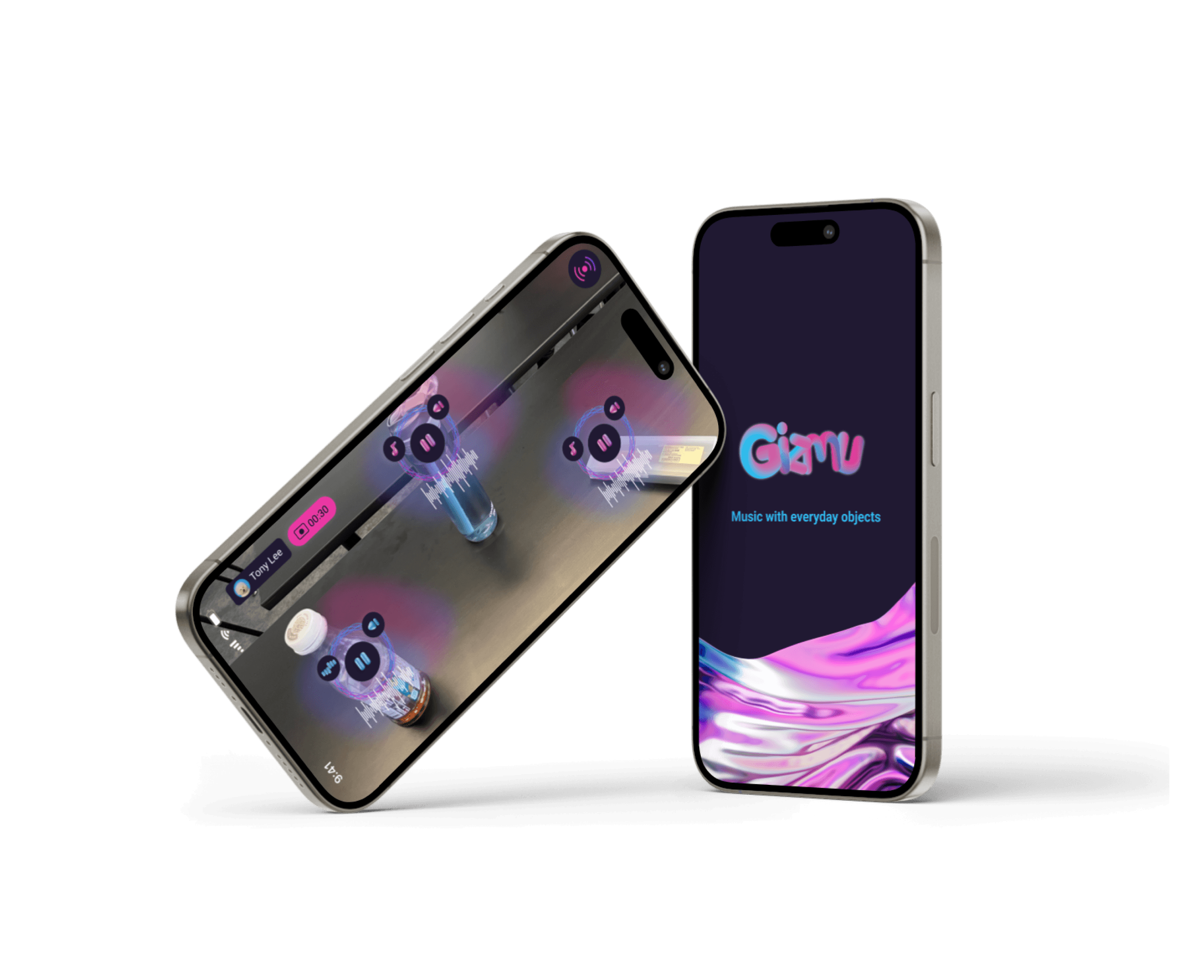
Gizmu is an augmented reality app that lets anyone compose music with the things around them: a water bottle, a mug, a toothbrush. As one of two UX/UI designers on a six-person team, I co-designed the end-to-end experience and became the bridge between design and engineering, preparing and bringing design assets into Unity so developers could build directly from them.
Gizmu turns music-making into play. Point your phone at an object, give it a sound, and play with whatever is on your desk.
After weeks of exploring different AR formats, from cardboard headsets to Magic Leap, we chose the phone so anyone could take part, and shipped a working MVP on both iOS and Android in three weeks.
Impact: Shipped a working MVP on iOS (TestFlight) and Android (APK) in 3 weeks
CONTEXT
Making Music as Easy as Play
Research
Our concept began with a simple belief: anyone can be a composer, and the objects already on your desk can be your instruments.
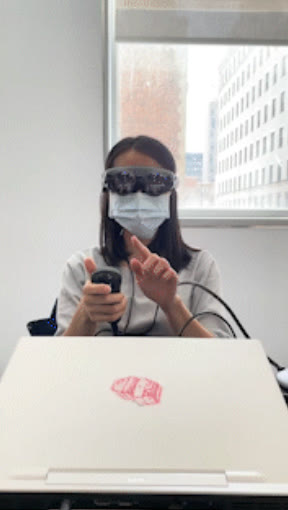
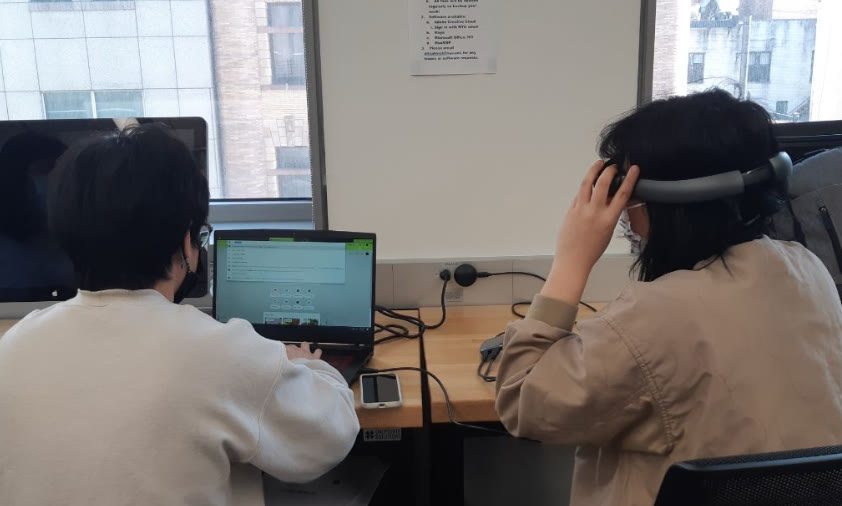
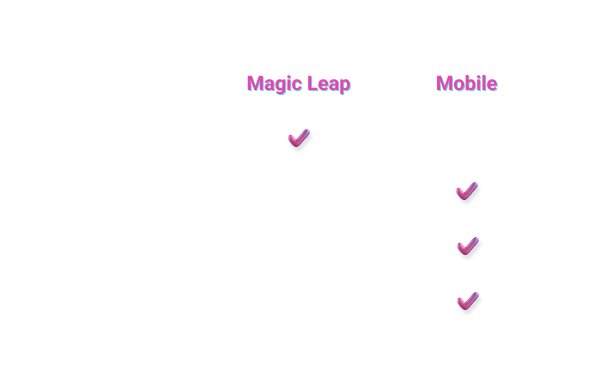
Before committing to a platform, we spent the first part of the course exploring how AR could be experienced: cardboard viewers with a phone slotted in, Magic Leap's professional headset with hand interactions, and the phone on its own. Magic Leap promised the most immersive way to "play" physical objects, and we tested it hands-on.
Insight & Challenge
Testing surfaced a tension between immersion and access:
- The most immersive platform reached the fewest people
Magic Leap offered hands-free interaction, but almost no one owns one, and its learning curve was steep. An experience about making music accessible couldn't start behind expensive hardware. - Compatibility mattered as much as capability
Hardware and software varied widely in what they supported. Mobile let us reach different platforms and build on what our developers already knew. - Three weeks to build
With the exploration phase behind us, we had three weeks to ship. Every feature had to earn its place.
The challenge wasn't "build the most immersive AR experience." It was "make music-making feel playful and effortless, with the phone already in their pocket."
Strategy
Short-term: Ship the core loop
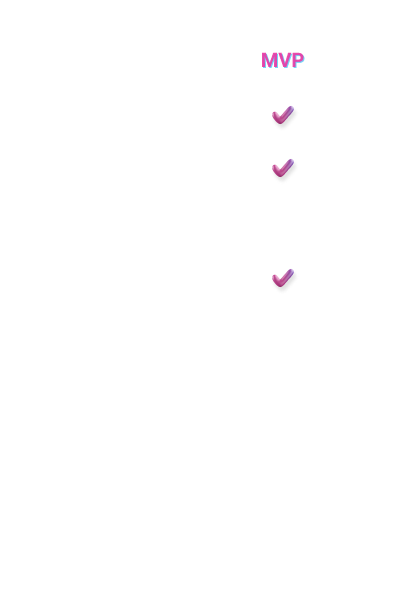
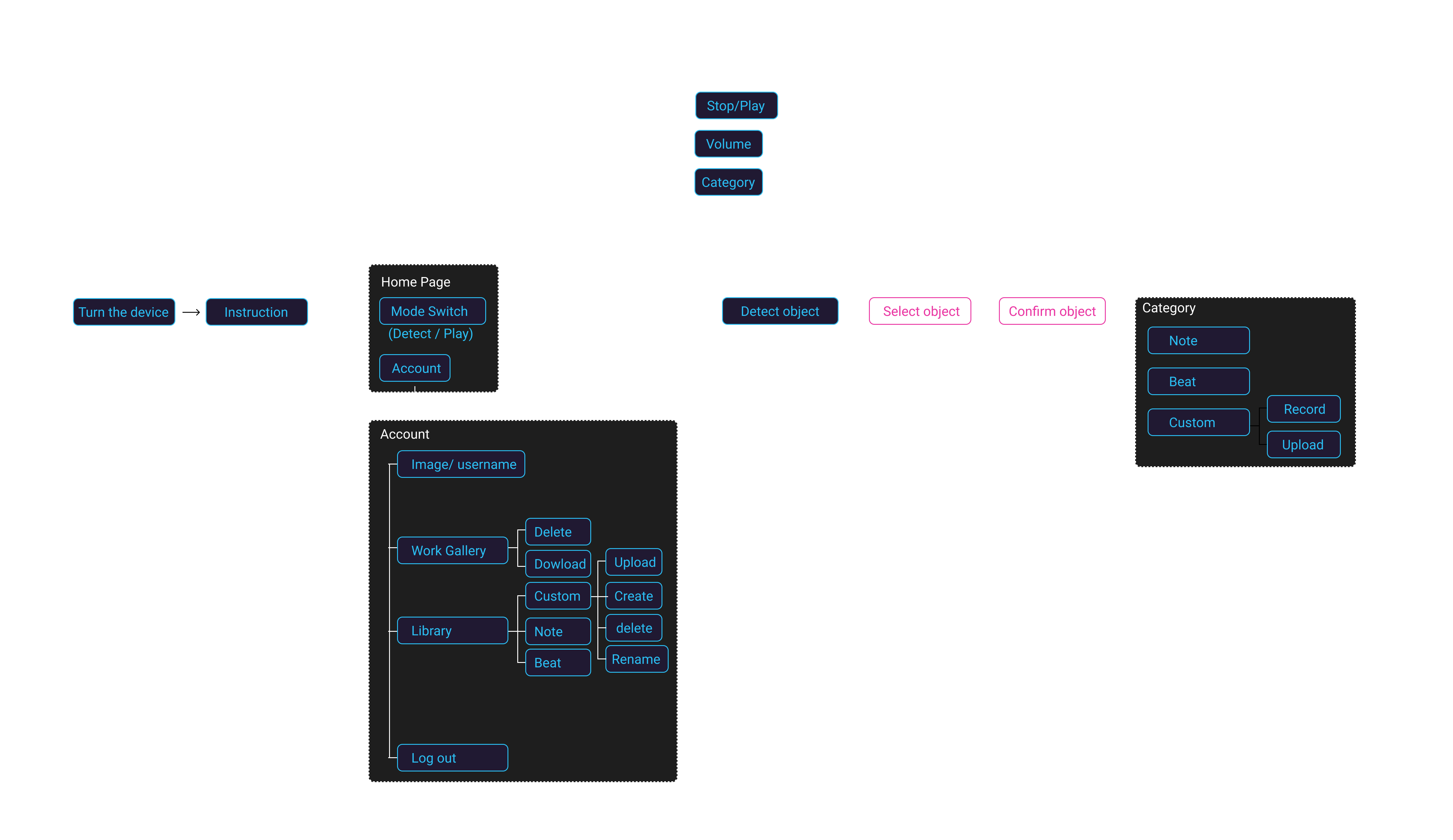
We prioritized three essential features for the MVP: Object Detection, Music Assignment, and a Sound Library. Together they formed the minimum loop of detecting an object, giving it a sound, and playing it.
Long-term: Design for growth, even if we couldn't build it yet
We mapped the full user flow, including accounts, a work gallery, and screen and sound recording, so the MVP would sit inside a coherent product rather than a dead-end demo.
STEP 01
Onboarding & Object Detection: Finding Your Instrument
Problem
AR was unfamiliar, and the core technology wasn't reliable yet.
- Users didn't know how to start
Most people had never used AR. They needed to know how to hold the phone and what to do before anything else could work. - Detection was unpredictable
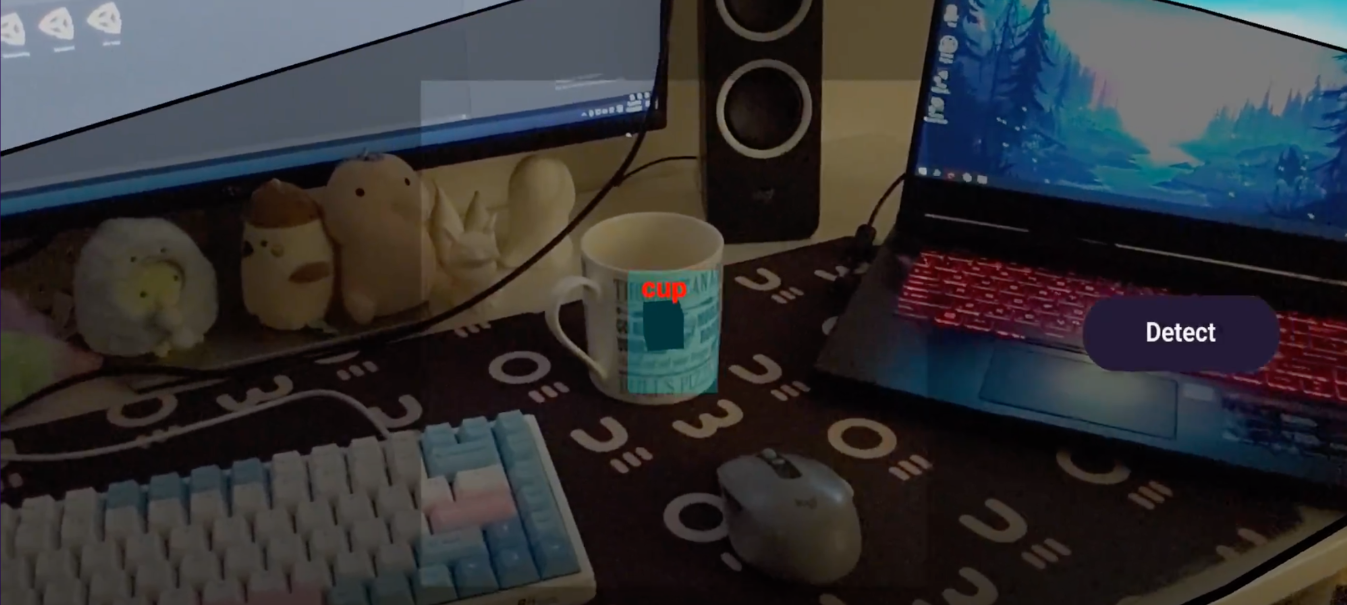
Our first approach, a Unity project using YOLO object detection, could identify objects from pre-trained classes, but in testing it froze and misidentified objects.

Solution
Set clear expectations up front, and turn detection errors into a quick retry instead of a dead end.
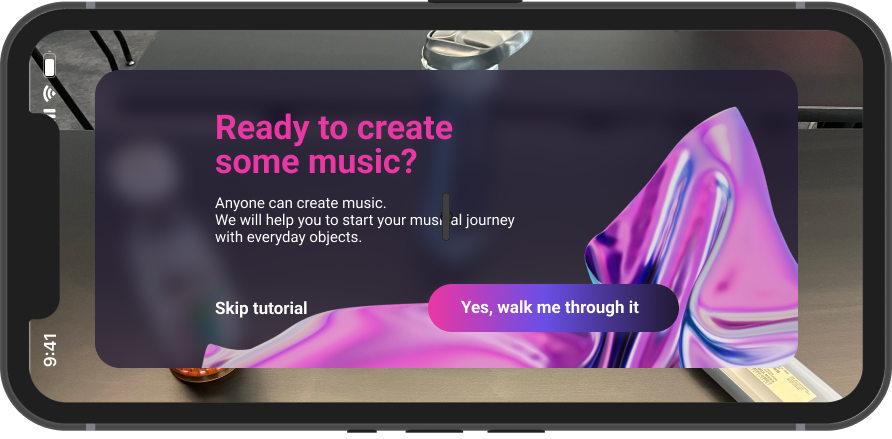
01 Onboarding that gets out of the way
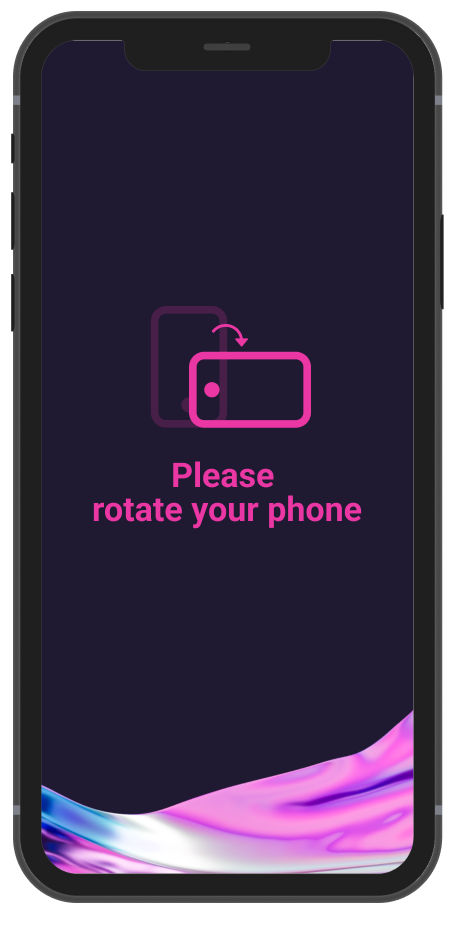
A rotate-your-phone prompt sets up landscape mode, followed by a short choice: skip the tutorial or be walked through it.
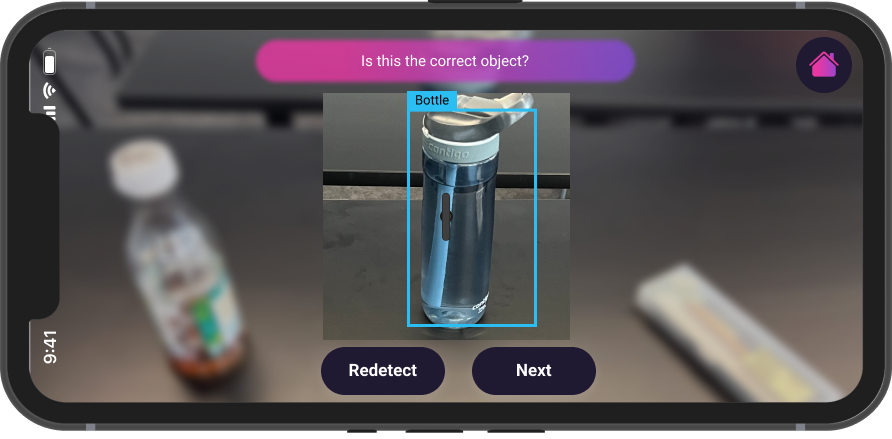
02 Guided detection with a confirmation step
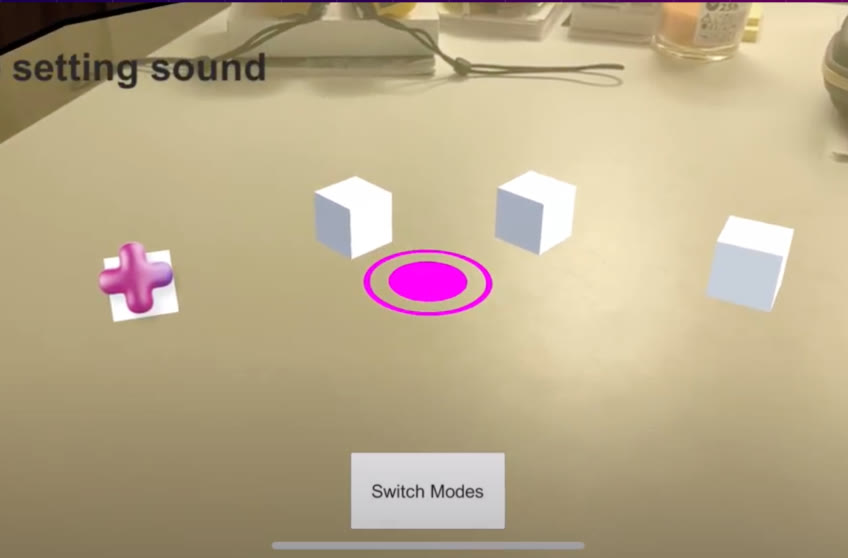
Our developer found a much faster detection method. The design asks users to place the object inside a rectangular region at the center of the screen, then confirm or redetect.
STEP 02
Sound Assignment & Play Mode: Making It Sing
Problem
Menus had to work in 3D space, and the first choice had to feel light.
- AR menus drift
Menus attached to objects needed to stay oriented toward the camera and move cleanly between levels of functionality. - Play should start in seconds
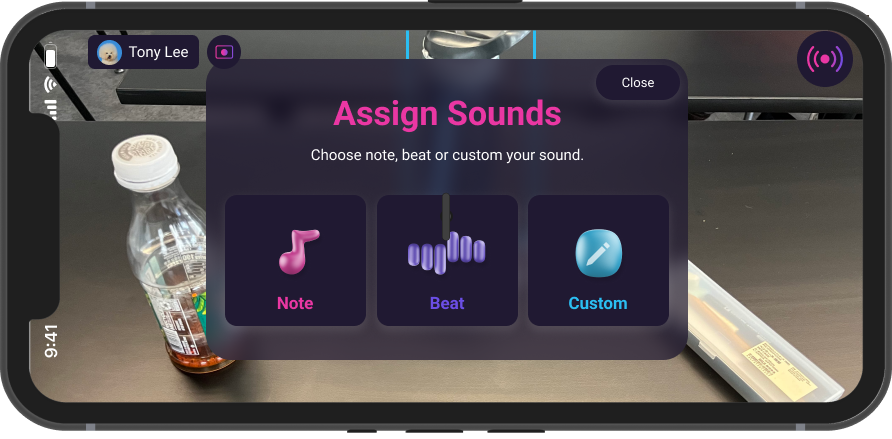
Gizmu is meant to be playful, so the first choice had to be quick and low-stakes. Note, Beat, and Custom offer three simple starting points without asking users to know anything about music.
Solution
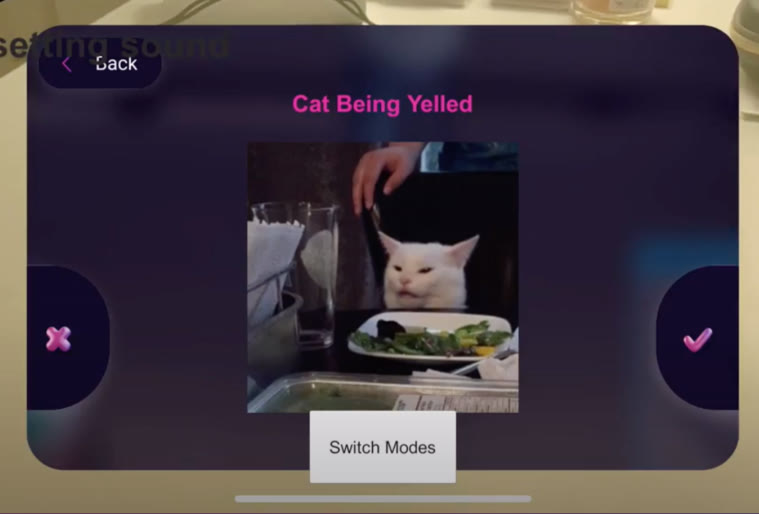
01 Three ways to assign a sound
Once an object is confirmed, users choose a Note, a Beat, or a Custom sound. Three clear options keep the first step effortless, so anyone can start playing right away.
02 Play Mode
Each object becomes a playable instrument, with controls for play/stop, volume, and reassigning its sound.
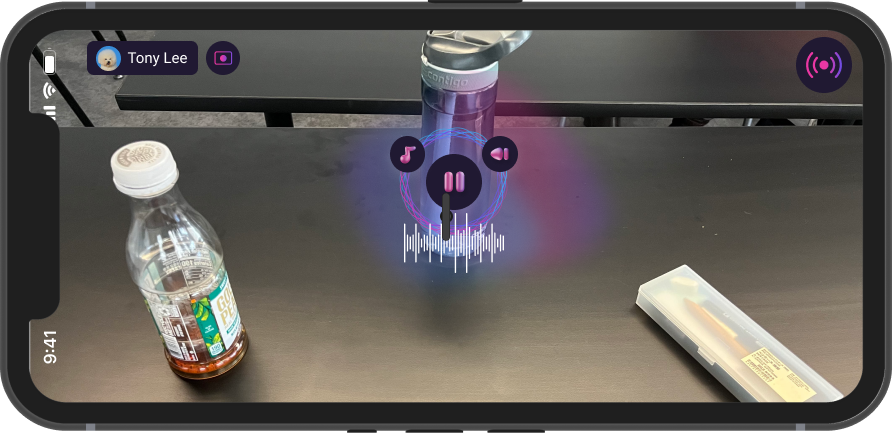
03 Bridging design and Unity
I prepared and brought our design assets into Unity, so developers could build menus and sound selection from real UI elements instead of recreating them from screenshots. This shortened the loop between a design change and seeing it running on device.
VISUAL LANGUAGE
Look & Feel: Light in the Dark
Logo & Naming
The name Gizmu draws on a line about gadgets and gizmos in The Little Mermaid's "Part of Your World," connecting music with everyday objects.
Color & Typography
A small design system kept the team consistent: four theme colors (Brilliant Rose #EA37A3, Picton Blue #29BEF2, Royal Purple #6B4EE6, Mirage #201932) with gradients, and Roboto at 34 / 17 / 15 / 13 pt.
Brilliant Rose
#EA37A3
Picton Blue
#29BEF2
Royal Purple
#6B4EE6
Mirage
#201932
Roboto
Aa
34 ptTitle
Turning everyday objects into instruments
17 ptMedium Title
Turning everyday objects into instruments
15 ptText
Turning everyday objects into instruments
13 ptCaption
Turning everyday objects into instruments
Components & Elements
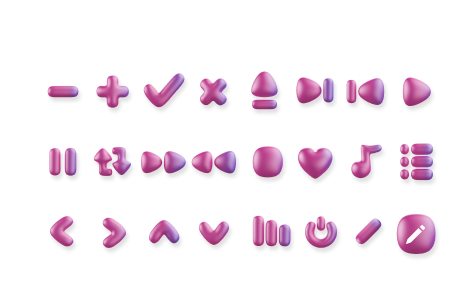
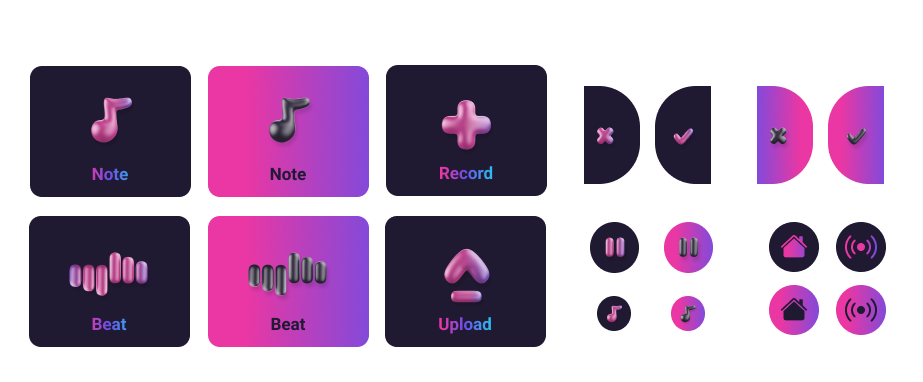
Icons, sound-type buttons, and glowing visual elements designed to read clearly over a live camera feed.
Impact
We delivered a working MVP across both platforms within the course timeline. We didn't run formal user testing after launch, which is one of the things I'd do differently.
- 01Working MVP on iOS (TestFlight) and Android (APK), built in 3 weeks
- 02Full flow: Onboarding → Detect objects → Assign sounds → Adjust and play
- 03Demo video documenting the experience
REFLECTION
AR is only as good as the hardware it lives on.
Moving from cardboard headsets to Magic Leap to a plain phone taught me how tightly AR experiences are bound to their medium. Physical constraints shaped the design far more than I expected, compatibility between hardware and software varied widely, and professional devices came with a steep learning curve. I came away convinced that AR's real breakthroughs will depend on breakthroughs in hardware, and that designing for emerging technology means designing for the device people actually have.